Your teacher command center.
96 genuinely different teacher templates in a printable edition and a fully fillable digital planner. Plan the week, build lessons, track grades, organize student data, document communication and manage the classroom without juggling five different systems.
Actually different.
A teacher planner should feel like a toolbox, not a stack of renamed worksheets.
Calendars look like calendars. Grade trackers track grades. Seating charts map seats. Lesson pages have room for the lesson number, standards, assignments, materials and the details that actually matter during a school day.
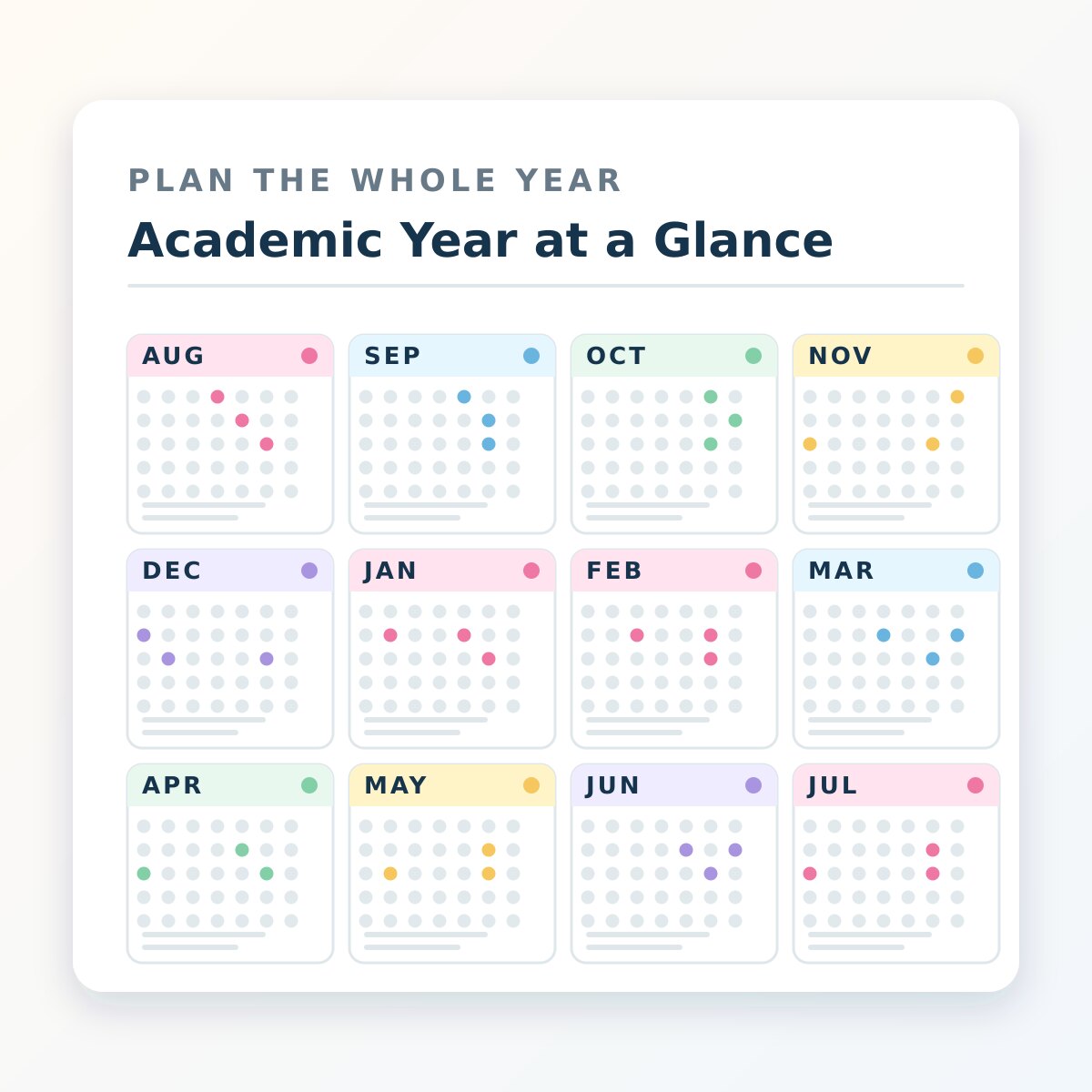
Calendars & Year Planning
Year-at-a-glance, academic calendars, monthly planning, testing dates, school events, goals and reflections.
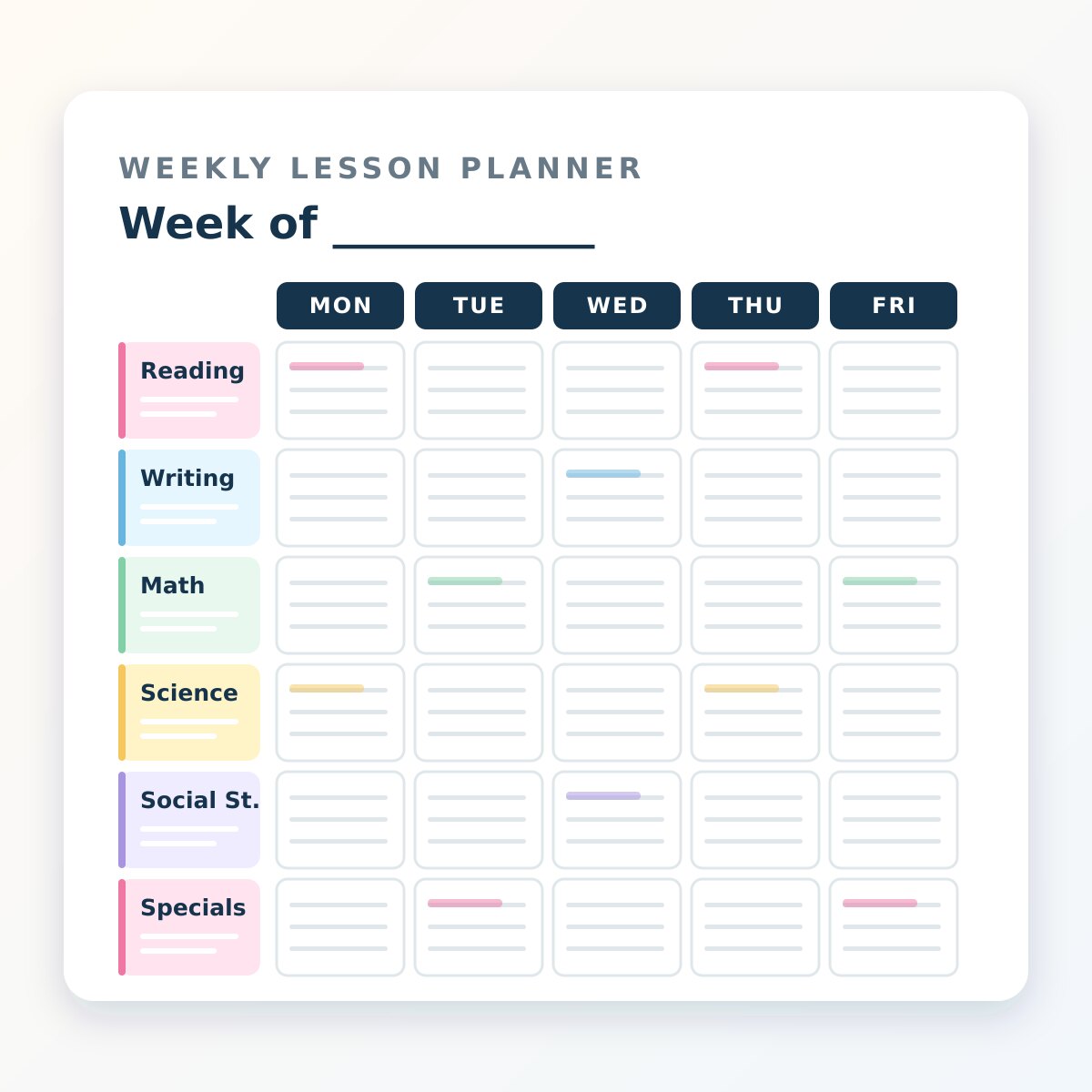
Weekly & Daily Planning
Daily and weekly lesson layouts, schedules, substitute planning, priorities, task lists and notes.
Lesson Planning
Units, standards, differentiation, intervention, guided reading, guided math and six-subject lesson planning.
Students & Data
Rosters, attendance, student profiles, seating, goals, conferences, progress and accommodations.
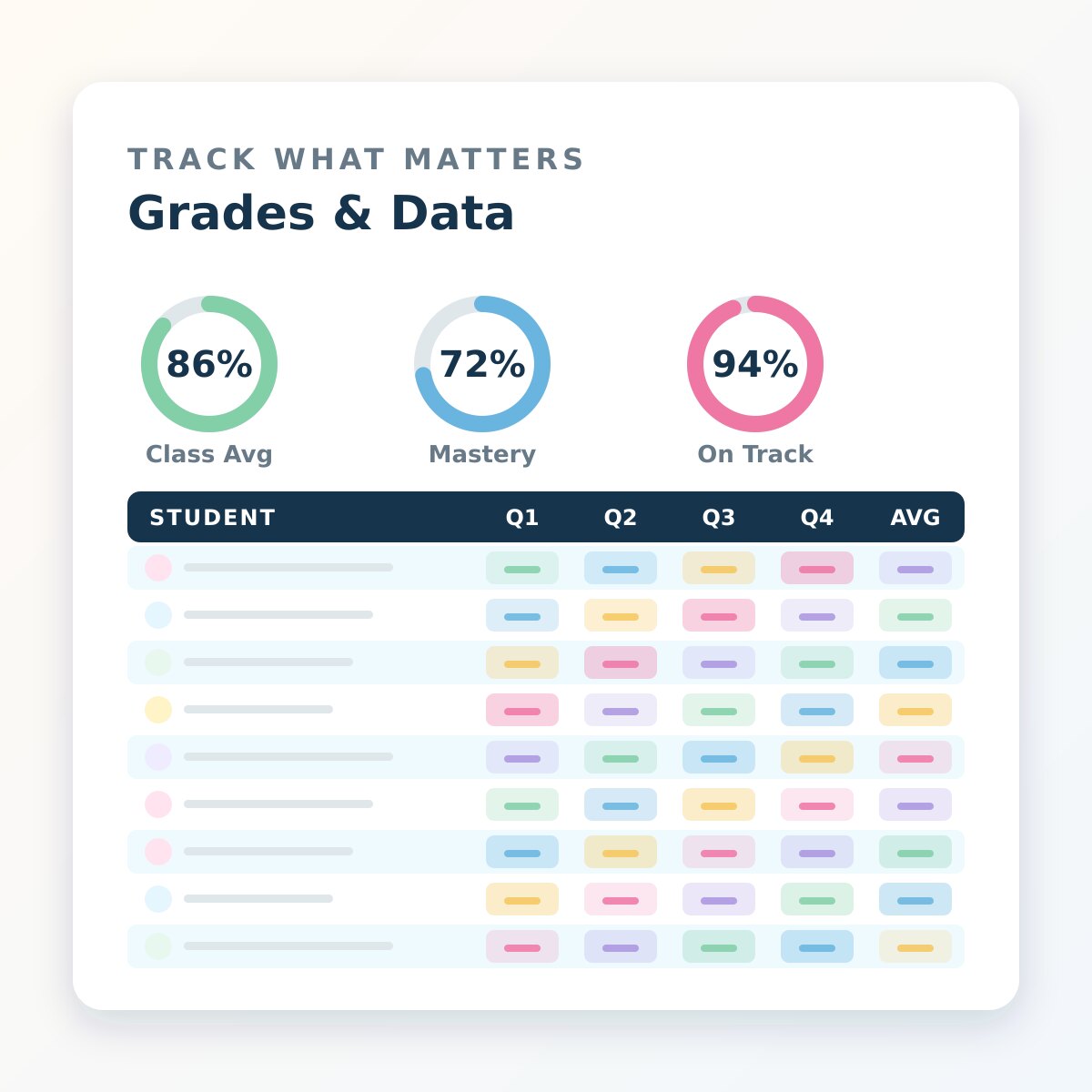
Grades & Assessment
Gradebooks, assignments, quizzes, tests, mastery tracking, missing work, retakes and assessment analysis.
Classroom Management
Behavior, routines, classroom jobs, parent contact, concerns, supplies, devices and rewards.
Meetings & Professional Life
PLC, IEP, staff meetings, parent conferences, observations, goals, PD notes and reflections.
Every page, full size. Tap any preview to open it.
Six subjects. Real assignment space. Lesson numbers. Standards. Notes.
This live page is not a screenshot. Type into it now. It auto-saves in your browser, can be printed, and mirrors the kind of working space the digital PDF is built around.
Try the lesson planner right here.
Each subject gets its own block instead of squeezing an entire day into tiny boxes. The digital planner takes the same approach across calendars, students, grades, meetings and classroom management.
Daily Lesson Planner
Keelhouse Digital Teacher Command CenterThe digital planner is the product — not an afterthought.
Open the demo below and type directly into the actual PDF fields. Navigate templates, save a browser draft, zoom, download your edited demo, or upload the full purchased planner later.
Open the demo and start typing.
This loads a real nine-page fillable PDF with a monthly calendar, weekly planner, daily lesson planner, seating chart, grade tracker, parent contact log and meeting notes.
Printable, digital, or the complete teacher command center.
Checkout buttons connect to a secure Stripe Checkout Session on the server. After a successful payment, buyers return to a verified download page that unlocks only the files included in that purchase.
Printable
For teachers who want to build a physical binder and print only the pages they need.
- 96 printable templates
- US Letter PDF
- Clean writing space
- Instant verified download
Digital Command Center
The full fillable PDF planner for typing, saving and navigating digitally across 105 pages.
- 96 fillable templates
- 3,700+ editable form fields
- Clickable internal navigation
- Works with Keelhouse PDF Studio
Complete Bundle
Both versions, so you can type digitally, print selected pages, or mix the two workflows.
- Full digital command center
- Full printable planner
- All 96 templates in both workflows
- Best overall value
What happens after I buy it?
Is the digital planner actually editable?
Yes. It contains real fillable PDF fields. The Keelhouse PDF Studio also reads those fields in the browser and writes your entries back into a still-editable PDF.
Can I try it first?
Yes. The nine-page demo is a real fillable PDF. Type into it, move between templates and download your edited demo before purchasing.
Can I print the digital planner?
Yes, but the dedicated printable edition is optimized specifically for physical binders and straightforward home or school printing.
Are the paid files sitting publicly on this website?
No. The full paid PDFs are kept outside the public site and are served only after the server verifies a successful Stripe Checkout Session.
Make the binder — and the digital planner — actually useful.
Plan the year. Run the week. Build tomorrow's lessons. Track what matters. Keep the paperwork from winning.